01 / LUSTREAM
Start with your folders.
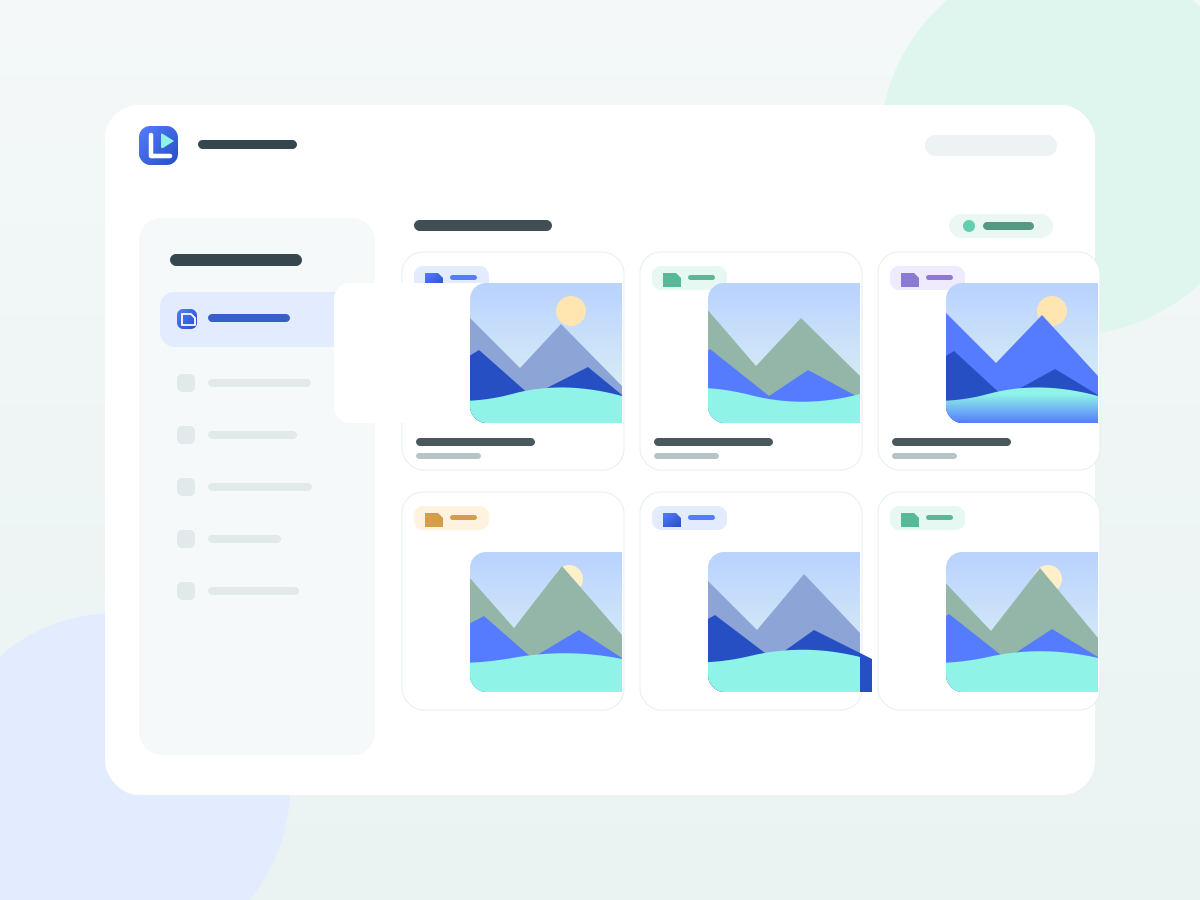
Choose the folders to share on your Windows server. Browse them on Android with video thumbnails and grouped lists for larger collections.
 LuStream
Personal media · Windows + Android
Coming soonFrom your Windows computer to your Android phone. Browse your folders, press play, and pick up where you left off — over your own local network.
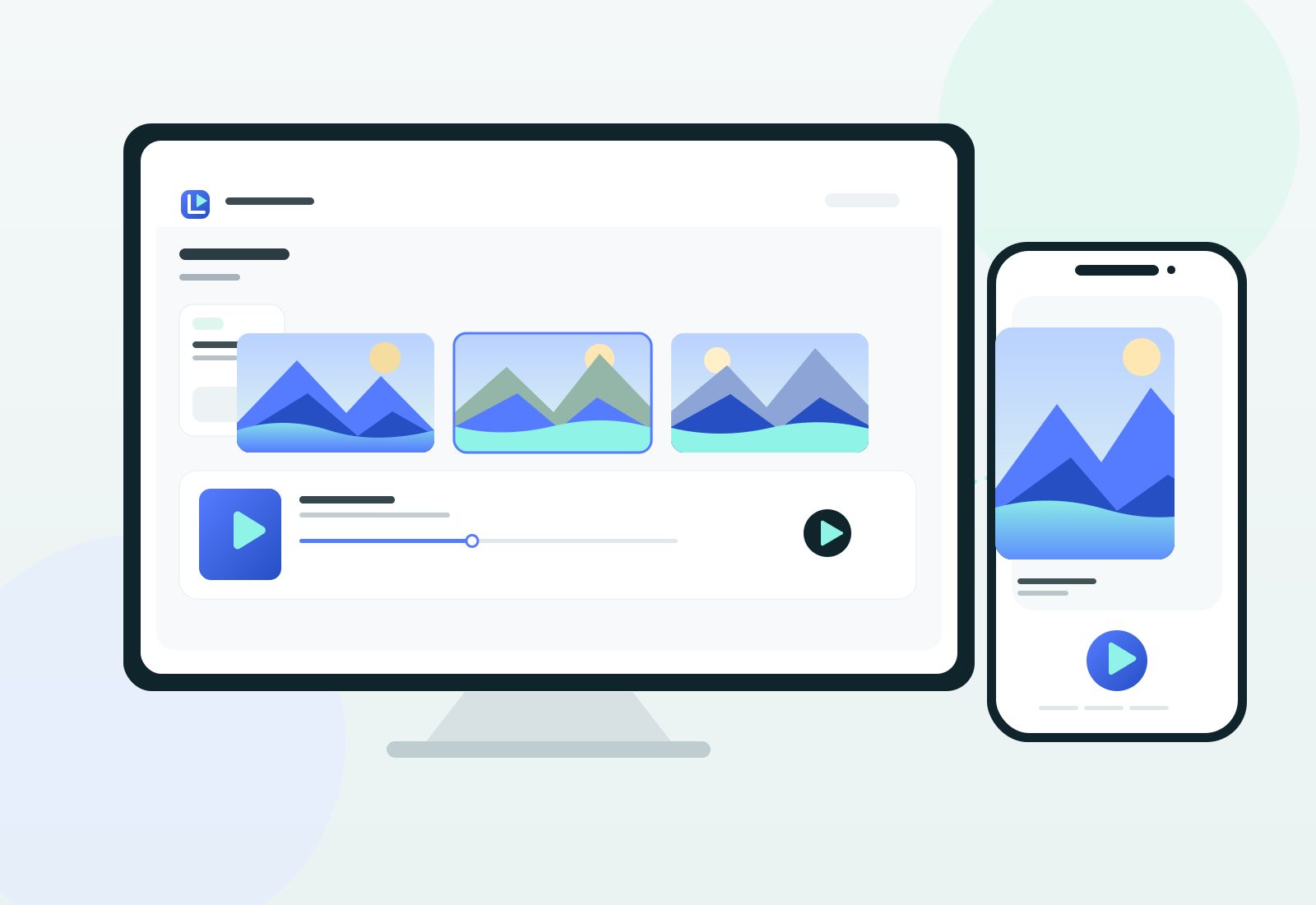
LuStream pairs a Windows media server with an Android app. It plays your own media; it does not provide a film catalogue.
LUSTREAM
01 / LUSTREAM
Choose the folders to share on your Windows server. Browse them on Android with video thumbnails and grouped lists for larger collections.
02 / LUSTREAM
Compatible media streams directly. When conversion is needed, your Windows server handles it. Format support and performance depend on the devices and server setup.

03 / LUSTREAM
Move through the timeline, choose playback quality, and use playback history to return to your videos later.
In LuStream Media Server on Windows, select your folders and set the account used by the Android app.
Connect Android to your server on the same local network using that server account.
Browse your folders and thumbnails, then watch the files you chose to share.
FAQ
Your media files remain on your chosen Windows computer and stream to your phone over your local network.
No mandatory full-library scan is required. Browse your folders and let LuStream analyse files as they are needed.
No. You choose and manage the media on your own server. The Android app contains advertising.
Coming soon
We are preparing LuStream for release. This page is a product preview; installer downloads and the Google Play link will be added later.
Meet the LuFamilyPrivacy policy ↗